TallyPrime on Cloud
Work From Anywhere, Anytime

Run TallyPrime securely on the cloud and access it from any device—desktop, laptop, tablet, or phone. Stay compliant, collaborate in real-time, and cut IT costs.


Faint circular white grid pattern with light blue intersecting lines on a white background.Illustration of Tally Prime on Cloud with a cloud outline, gear icons, and arrows indicating migration to the cloud.

Why Tally on Cloud?

Access from anywhere Work from office, home, or while travelling—securely log in to Tally from any browser or thin client.
24×7 availability Your Tally stays online round the clock so you can post entries, view reports, and close books whenever you need.
100% Data Security Hosted on encrypted servers with daily backups and multi-layer security protocols.
Scalability on demand Add users, RAM, CPU, or storage instantly during peak months—scale down when you don’t need it. A TVU License is required for 10+ Users.
Reduced CapEx Skip high-end servers, UPS, cooling, and IT overhead. Move from CapEx to OpEx.
Hassle-Free Upgrades Upgrades to the new version of TallyPrime are done in non-regular hours, offering a seamless transition. (Upgrades require that the TSS is valid and not expired)
Automated daily backups Scheduled, point-in-time backups with 7 days of retention, which helps to protect you from accidental deletions and device failures.
No IT Hassles No local server maintenance, no software installation—just log in and work.
Cross-Device Compatibility Access from Windows, Mac, Android, iOS – works on any internet-enabled device.
Priority Support Get Priority Support for any issues related to Tally, also (Most issues are resolved within 2 Business Hours)
Affordable Flexible plans that fit MSMEs and growing teams—start small and expand as you go.
High Performance & Reliability Optimized cloud infrastructure ensures fast response times and stable performance even with large data volumes and multiple concurrent users ensuring smooth work during peak hours.

Key Features

Red briefcase icon representing business or work.

Business Features

Multi-location access:
Branches, accountants and management collaborate in Single Tally Company without creating data for each branch.   

Real-time reporting:
Faster P&L, stock, receivables/payables, bank reconciliation—all live.

User-wise controls: Role-based access for data security and internal control.

Printer & export support:
Print locally to any connected printer, and export to Excel/PDF just like a desktop.

Works with your add-ons:
Most TDLs, barcodes, and popular Tally add-ons work in cloud environments.

CA/Consultant access:
Give time-bound access to your auditor without sending backups.

Disaster resilience:
Hardware failures at the office won’t stop billing or accounts.

Red shield outline containing a gear icon inside representing security configuration.

IT & Security Features

Encrypted access:
Secure connections for all remote sessions. 

IP whitelisting:
Restrict logins to office/static IPs for tighter control (Premium Service).

Isolated environments:
Dedicated OS instances for cleaner separation of workloads.

SSD/NVM e-storage:
Fast read/write for smooth voucher posting and report generation.

Uptime-focused architecture:
Redundant infrastructure for high availability. 

Backup & retention:
Automated daily backups (7 days retention)

How It Works

Provisioning: A secure server is created for your company (In Dedicated Server Plan), and your existing Tally License is re-activated on that server.
Migration: Your existing Tally data is copied (or you can start fresh).
Access setup: Users get login credentials
Go Live: Log in from a browser/remote app and use Tally as usual from office, home, or while travelling—securely log in to Tally from any browser or thin client.
Ongoing Care: Daily backups, monitoring, and support keep you running.

Who Benefits Most?

Multi-branch businesses needing a single source of truth. 
Founders traveling frequently who need anytime access.
Distributed teams & outsourced accountants working together. 
Seasonal businesses that need quick, temporary scale-up.
SMEs that want enterprise-grade reliability without enterprise costs.

On-Premise vs Tally onCloud

Designed for Tally workloads: Fast SSD storage and tuned CPU/RAM options keep voucher entry and reports snappy. 
Low bandwidth usage: Works well even on typical broadband/4G; stable internet recommended.
Printer & device mapping: Print to local/USB/network printers; export to PDF/Excel as usual.

Pricing

Plans starting at ₹600/month (ideal for light usage or single users).

Add-ons: Extra users, storage, backup retention, and performance tiers available.
No hidden CapEx: Hardware, power, cooling, and physical security included in service.

Migration & Setup Support

Zero-downtime - Data transferred outside of Office Hours
User training (login, printing, exports) 

Security & Compliance Snapshot

Encrypted sessions for remote access
Isolated OS instances per tenant (On Dedicated Servers)
Role-based access at Tally level
Regular backups with restore testing

24×7 availability
Your Tally stays online round the clock so you can post entries, view reports, and close books whenever you need.

FAQs

Is it legal to run Tally on cloud?

Yes—Tally runs on Windows in a cloud environment similar to a remote desktop. You use your licensed Tally software/data just like on a local machine.

Will my TDLs and add-ons work?

In most cases, yes. If you have niche device dependencies, we can test them in a trial instance.

Can my CA or consultant access Tally securely?

Yes. Create a user for them. Revoke access anytime.

How are backups handled?

Daily automated backups 7 days retention. On-demand snapshots available for month-end or before major changes.

Do I need a fast internet connection?

A stable broadband/4G link is typically enough. For heavy multi-user setups, higher bandwidth and wired connections improve experience.

Can I print invoices on my local printer?

Yes. Cloud sessions support printing to local and network printers, plus PDF/Excel exports.

What about downtime?

Cloud environments are designed for high availability. You’re also covered by backups and quick-restore options if needed.

How do I add more users or storage later?

Request a scale-up—resources are provisioned quickly without buying new hardware.

Is my data stored in India?

Yes, the data resides in India-based data centers.

What if I want to move back on premise?

You own your data. We can provide the last backup and guide you in restoring it to a local machine.


Achieve hiring success every time

Post your job to 10+ job boards in less than 5 minutes

1. Create a modern job advertisement.

Quickly create customized job ads with our easy-to-use editor.

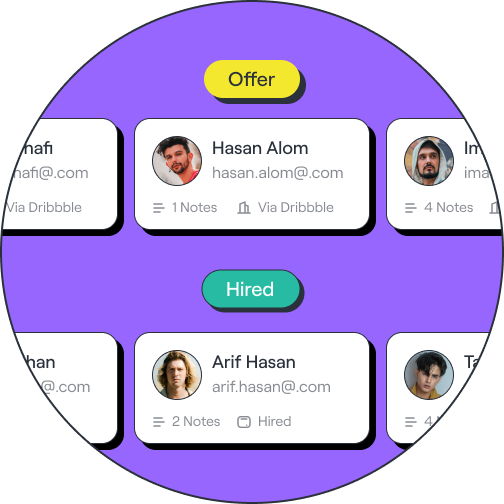
2. Easy to candidate management

Utilize our software to evaluate candidates and move them forward faster.

3. Hire the right person for the job

Reduce hiring time by finding qualified candidates more efficiently.

Simplify your hiring process and workflow

Understand how to create job ads that actually work. Leverage winning strategies to best promote ads. Find the ideal candidate faster.

Boost Your Employer Branding

Stand out with your branded careers site - including your company’s own custom URL.

Team Collaboration and Communication

Exchange ideas and progress with team members to make the right decisions together.

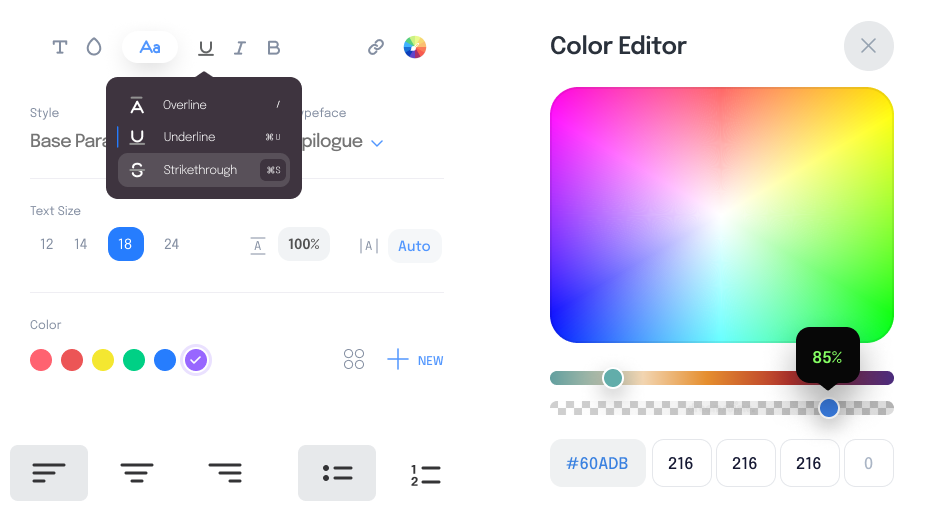
Job Editor

Our easy-to-use editor allows you to create customized job ads within minutes.

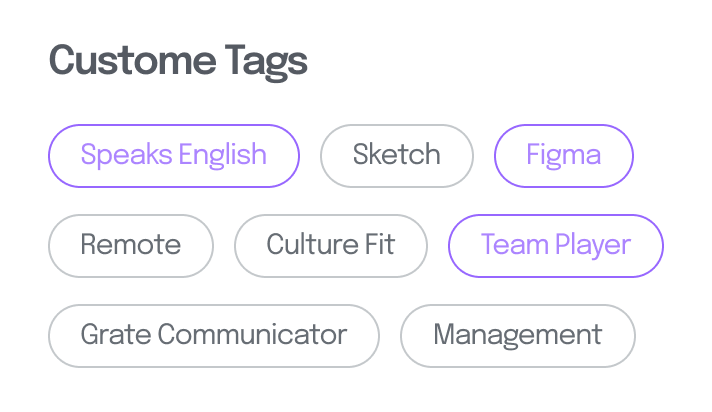
Create Custom Tags

Tags help you organize and structure candidates more efficiently.

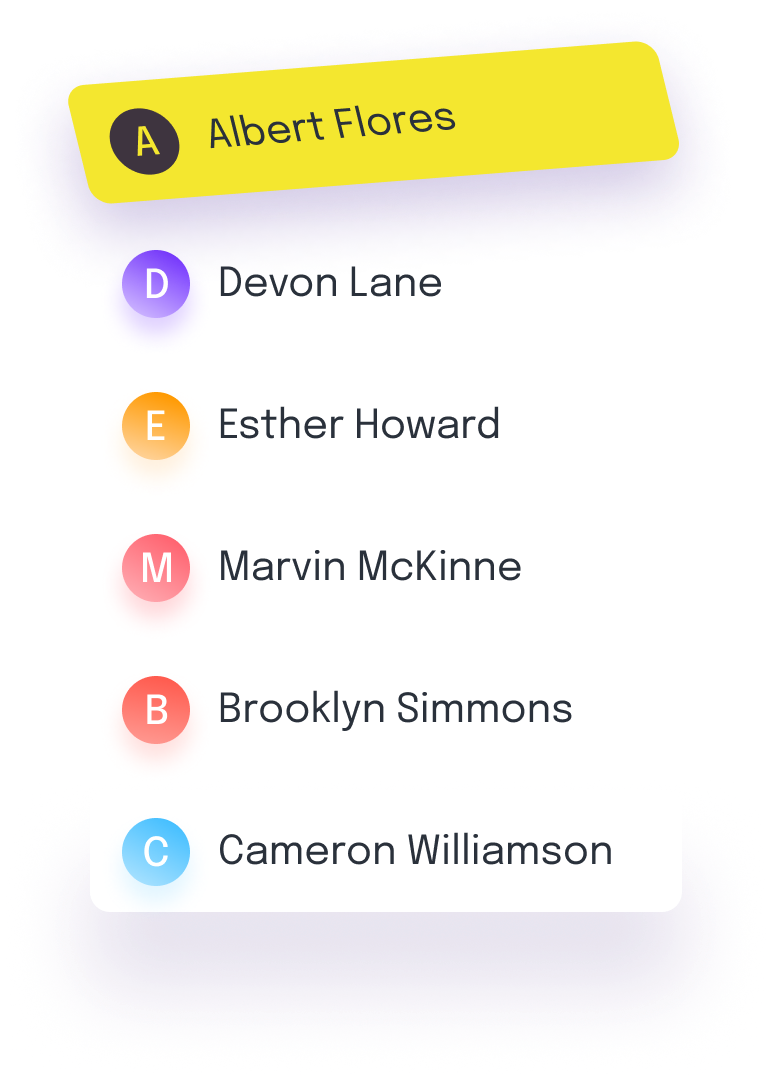
Messages

With Messages communicate with each candidate inside app.

Accept & Reject

Automate tasks and save time. With one click you can accept or reject candidates.

Discuss your requirements and we will find the fit!

Consultation
Customisation
Implementation
Circuit World
Typically replies in a few hours
Circuit World
Hi there
How can i help you today?
Start Whatsapp Chat